
Latest Version
ShareX Team
IT Tools
Windows
Free
9nblggh4z1sp
Report a Problem
More About ShareX Screen Capture Tool
A Complete Review of the ShareX Screen Capture Tool
The ShareX screen capture tool is a highly versatile, open-source productivity program designed for Windows users who need more than just standard screenshot capabilities. Developed by the ShareX Team, this lightweight utility is built to handle complex recording, capturing, and file-sharing tasks with a single keystroke. Whether you are generating technical documentation, sharing quick visual feedback, or compiling workflow guides, this tool adapts seamlessly to professional environments.
Powerful Screen Recording and Capture Capabilities
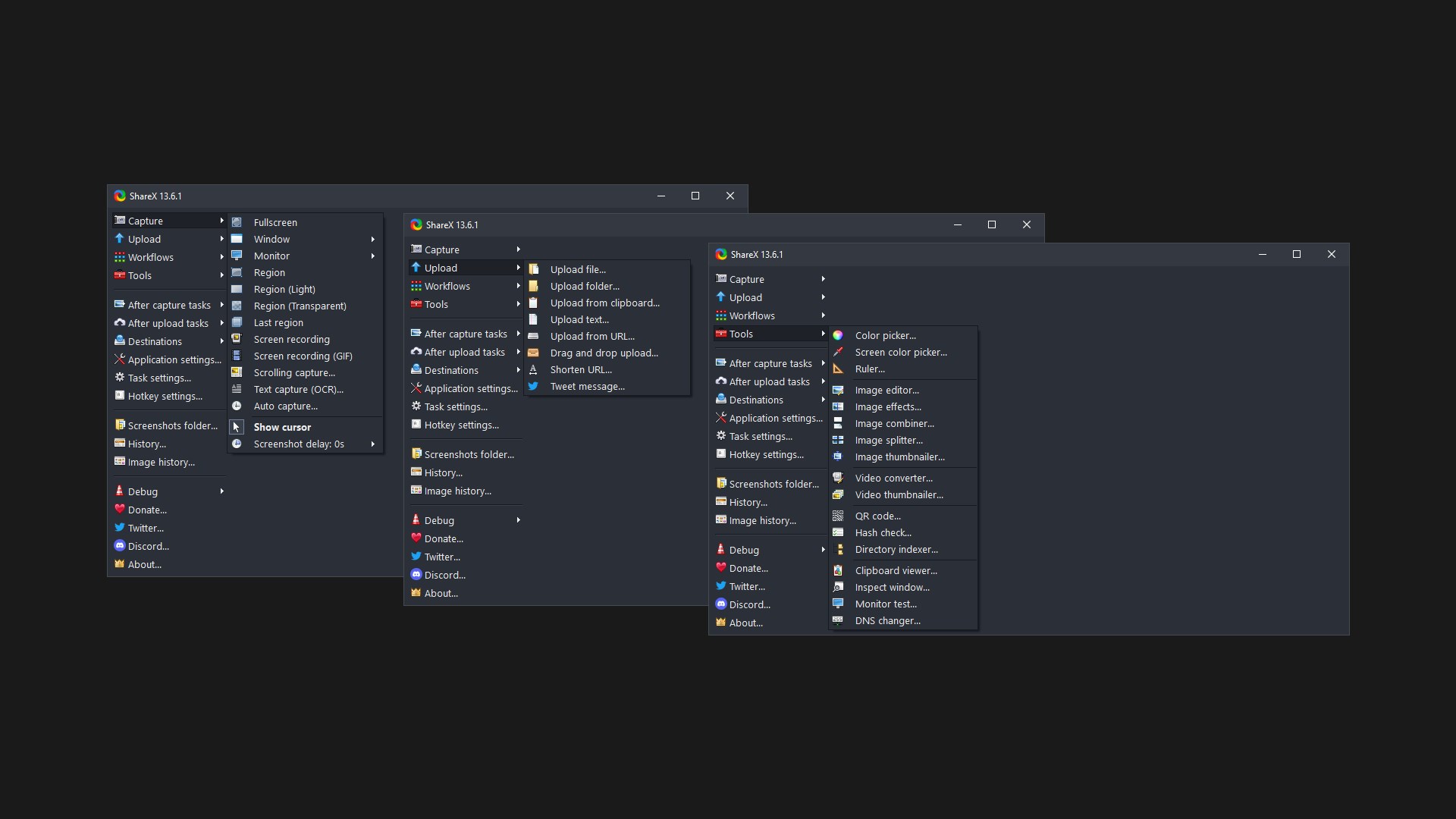
At its core, the ShareX screen capture tool offers an impressive array of capture methods that go far beyond basic full-screen snapshots. Users can target active windows, specific monitors, or custom regions with precision. Some of its standout capture options include:
- Scrolling Capture: Perfect for saving long webpages or multi-page documents in a single image.
- Screen Recording (GIF & MP4): Ideal for creating quick tutorials, software demonstrations, or animated loops.
- Text Capture (OCR): Instantly extracts readable text from images, PDFs, or videos, saving significant manual typing time.
- Region Selection: Features advanced settings like delayed capture, transparent window grabbing, and cursor visibility toggles.
Automated Workflows for Maximum Efficiency
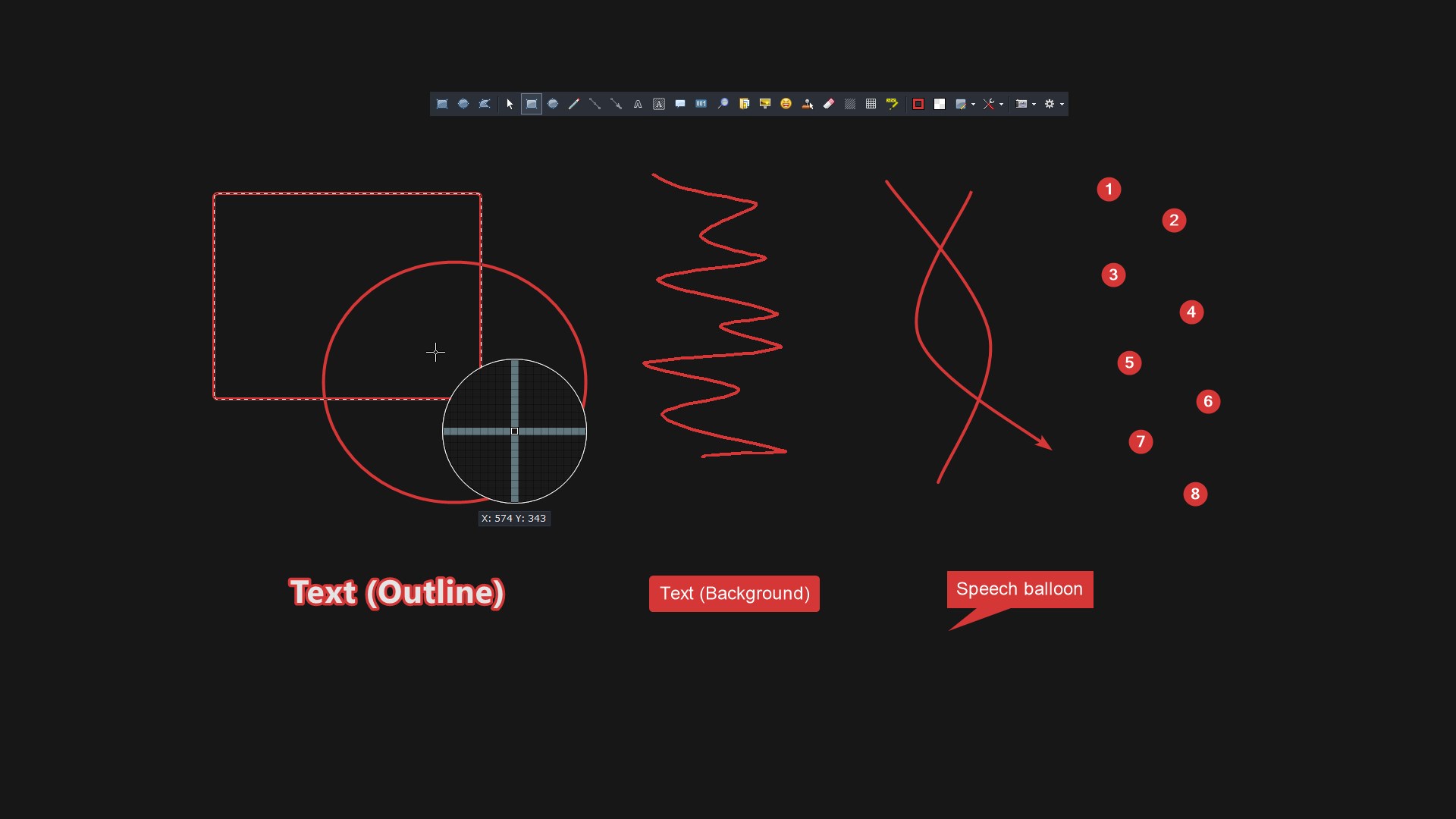
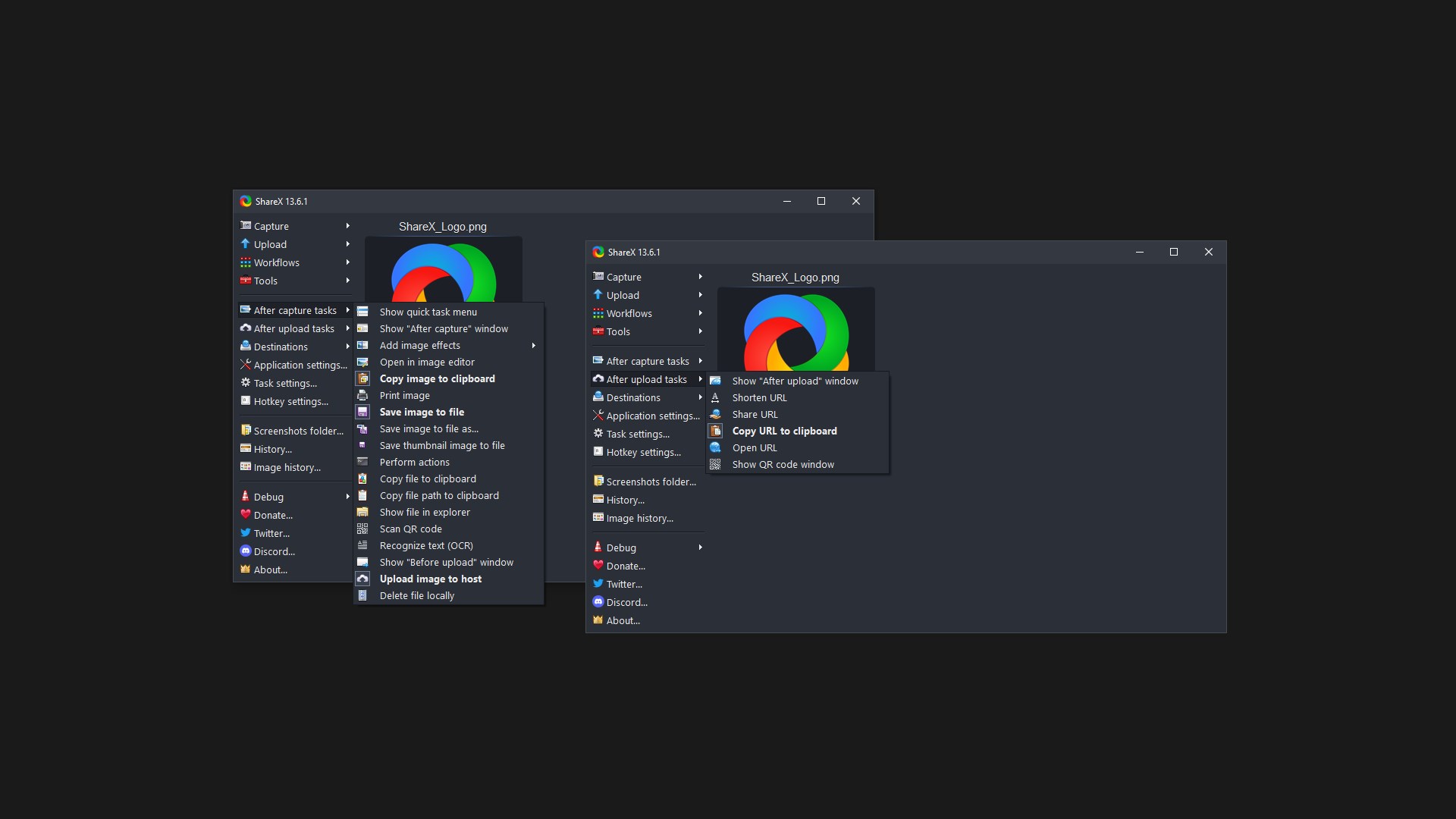
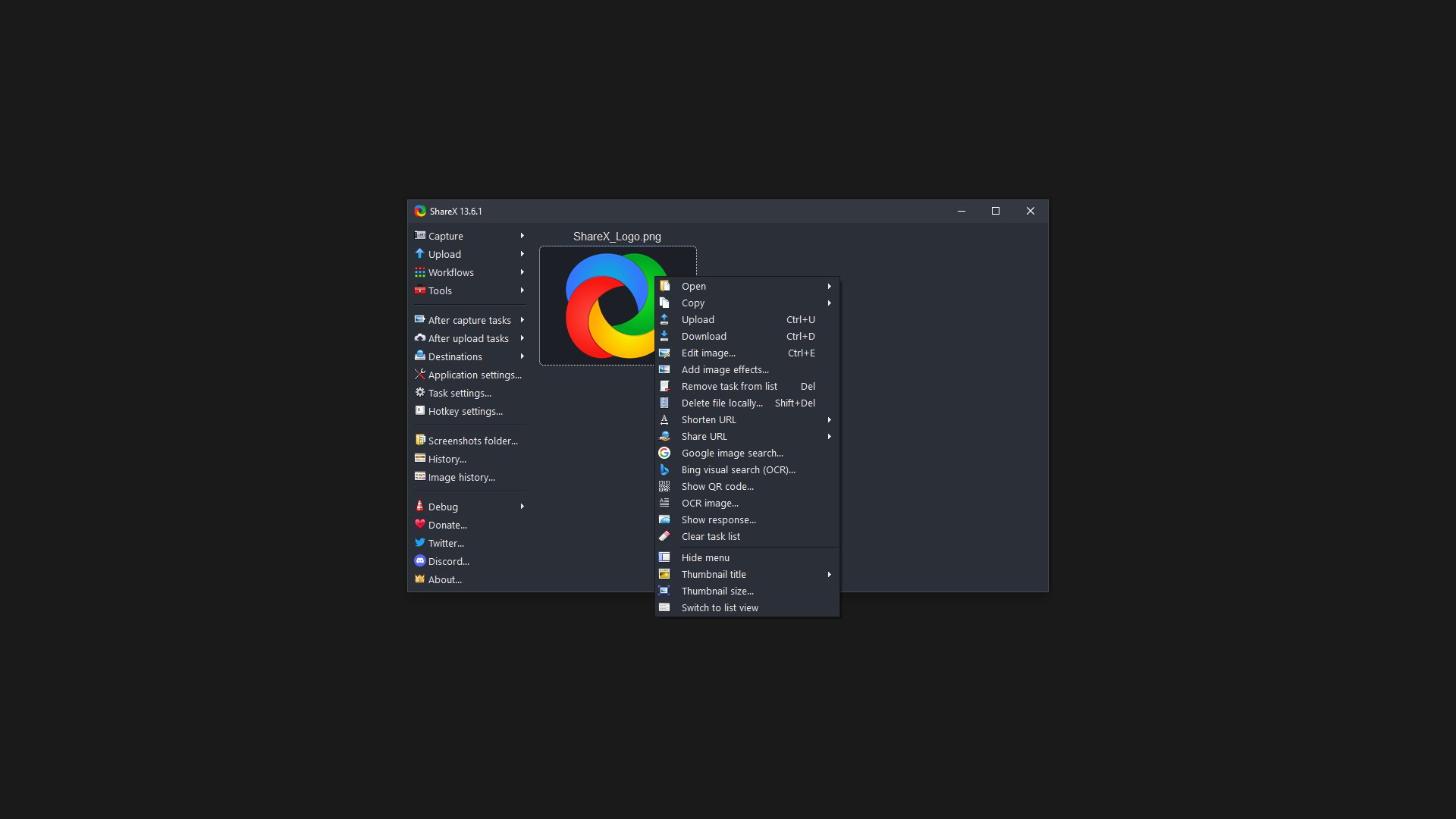
What truly sets this ShareX screen capture tool apart from built-in OS utilities is its highly customizable workflow automation. Instead of manually saving, editing, and uploading your files, you can configure the software to execute these tasks instantly after a capture. For instance, you can set a workflow to automatically annotate an image, apply a watermark, save the file to your local drive, and upload it to a specific server immediately. Uploading is highly flexible, supporting drag-and-drop, folder watching, clipboard integration, and context menu shortcuts.
Built-In Productivity Utilities
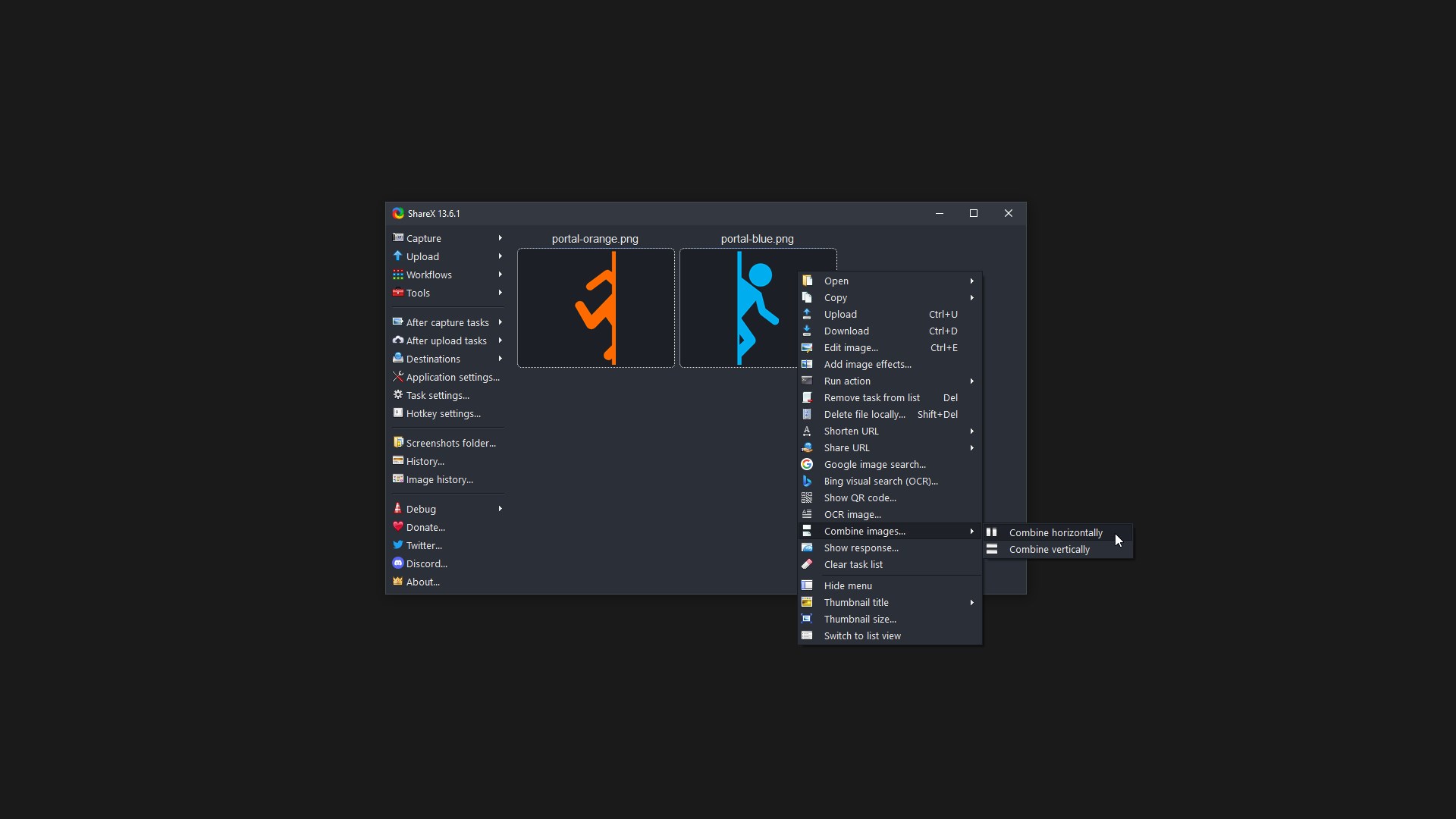
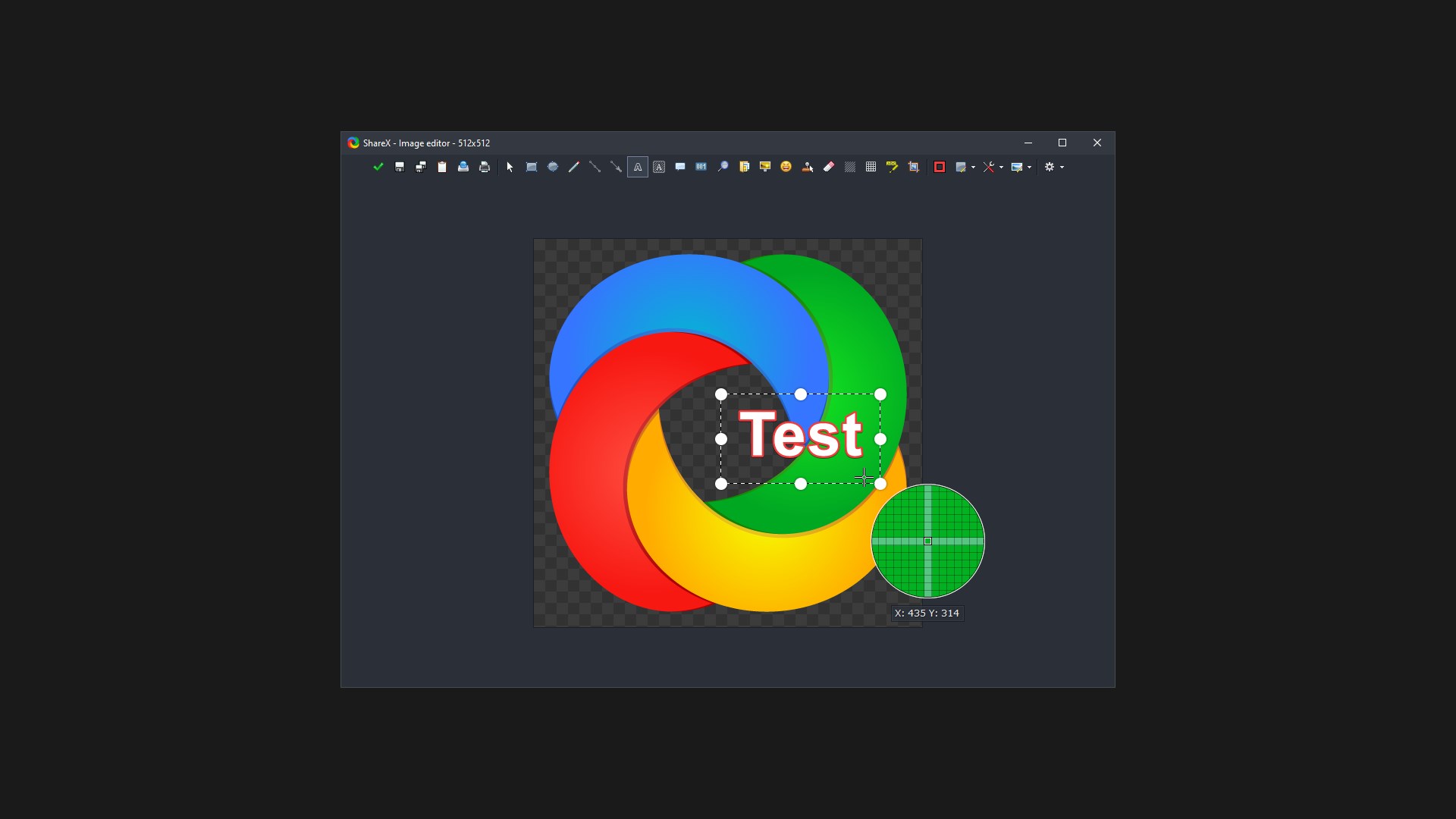
Beyond screen capturing, the program includes an array of built-in tools that eliminate the need for separate micro-apps. Users have access to an on-screen color picker, an image effects editor, a QR code generator, an image combiner, and a hash checker. This makes it an all-in-one workstation helper for developers, designers, and system administrators alike.
Is It Right for Your Workflow?
If you require a reliable, lightweight, and highly automated system for managing visual assets, this software is an exceptional choice. Because it is completely open-source and free, it provides enterprise-grade utility without licensing hurdles. To explore its features and integrate it into your daily operations, head over to the official Microsoft Store to get started.
Rate the App
User Reviews
Other Apps in This Category

Popular Apps










Editor's Choice